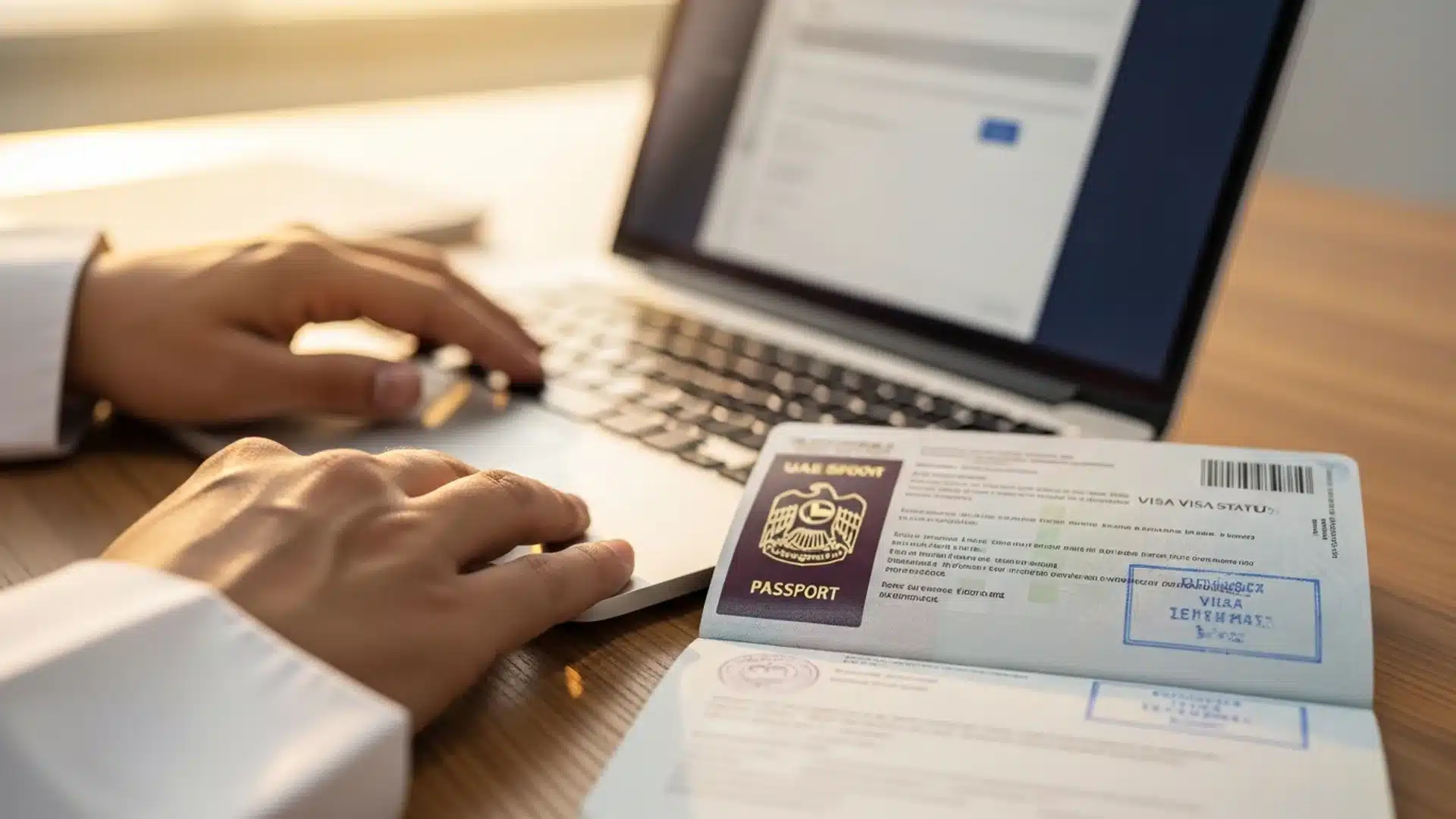
Quick AnswerUAE visa status check by passport number 2026 — how to check your visa status online step by step, what each status means, and how to fix problems.
For anyone living in or moving to the UAE — and for any business sponsoring employees — being able to check a visa status quickly is genuinely useful. Whether you are a new resident waiting for your entry permit, an employee confirming your residence visa is active, or an employer tracking your team's visas, the ability to look up the status using a passport number puts the information at your fingertips. This guide explains exactly how to do a UAE visa status check by passport number in 2026, which official portal to use, what every status means, and how to handle problems like a "not found" result or an unexpected expiry.
📋 This guide is part of our complete UAE Government Services & Portals directory — every federal and Dubai e-service in one place.
How to Check Visa Status in UAE by Passport Number (2026)
To check visa status UAE-wide, open the ICA Smart Services portal (smartservices.icp.gov.ae), choose “File Validity”, and enter your passport number and nationality — it covers all 7 emirates, is free, needs no login, and returns your visa or residency status in under 1 minute. For Dubai-issued visas, the GDRFA Dubai portal (gdrfad.gov.ae) is the dedicated channel.
Whether you search “uae visa status check by passport number”, “dubai visa status check online”, “check visa status uae” or simply “visa status check”, the answer is the same two official portals — ICA for federal/all-emirates records and GDRFA for Dubai residence files. Both also show visa validity and expiry dates.
| Channel | Covers | You need |
|---|---|---|
| ICA Smart Services (icp.gov.ae) | All emirates — visa, residency, Emirates ID linkage | Passport number + nationality |
| GDRFA Dubai (gdrfad.gov.ae) | Dubai visas & entry permits | File number or passport details |
| Amer centres (Dubai) | In-person status checks & fixes | Passport / Emirates ID |
Full walkthroughs: our ICP Smart Services guide, the GDRFA Dubai guide, and Amer centre locations in Dubai.
The status check above runs on ICA Smart Services — the same ICP platform behind ica smart, ica approval and entry-permit searches.
UAE Visa Status Check by Passport Number (2026)
To check your UAE visa status by passport number, open the ICP smart-services portal at icp.gov.ae (all emirates) or GDRFA (for Dubai), choose “Passport Information”, and enter your passport number and nationality — your visa or entry-permit status appears. The check is free; use only the official portals. You can also check by Emirates ID or application number for a more precise result.
You can also verify entry-permit and residence status directly on the ICA smart services portal at icp.gov.ae using your passport number.
Why checking your visa status matters
A UAE residence visa is the foundation of legal life in the country. It determines your right to live here, underpins your Emirates ID, and is required — directly or indirectly — for opening bank accounts, signing tenancy contracts, sponsoring family, and countless other essentials. Because so much depends on it, knowing its status at any given moment is more than idle curiosity; it is practical risk management.
There are several common moments when checking matters. A new resident waiting for an entry permit or residence visa wants to know whether it has been issued. An employee wants to confirm their visa is active and valid, especially before travelling or making a major commitment. Someone who has changed jobs wants to confirm their old visa was properly cancelled and the new one issued. And an employer or sponsor needs to track the progress of employees' visas to manage onboarding and ensure compliance. In each case, the visa status check turns uncertainty into a clear, current answer.
The check is also a safeguard. Visas have expiry dates, and an expired visa accrues fines and creates legal complications. Cancellations can happen as part of job changes, and a cancellation you were not fully aware of can leave you in an irregular position. Periodically verifying your status — and especially checking it at key moments like job changes, before travel, or near expiry — lets you catch problems early, while they are still easy to resolve. For a business, building visa-status checks into how you manage your team is part of running a compliant, well-organised operation.
Which official portal to use: ICP vs GDRFA
Before checking, it helps to know where to check, because the UAE has two main official channels and using the right one matters.
The ICP — the Federal Authority for Identity, Citizenship, Customs and Port Security (icp.gov.ae) — is the federal authority handling identity, residency, and entry across the Emirates. Its website and smart-services app provide visa and passport status services covering most of the country. For the majority of visa checks, the ICP portal is the right starting point, and it is the broad federal system.
The GDRFA — the General Directorate of Residency and Foreigners Affairs — handles residency and foreigners' affairs in Dubai specifically, and the GDRFA Dubai portal is often the most direct route for visas issued through Dubai. If your visa was processed in Dubai, the GDRFA portal is typically where its status lives most directly.
The practical guidance is straightforward: for a Dubai-issued residence visa, the GDRFA Dubai portal is often the most direct; for visas in other emirates or when you are unsure, the ICP portal is the federal system to use. If one portal does not return your record, trying the other is sensible, because the right system depends on where your visa was issued. Both are official, both are free, and both let you search by passport number. The single most important rule, regardless of which you use, is to go to the official government portal directly — type the address yourself or use a trusted bookmark — and never use a third-party site that imitates the service or asks you to pay, because visa and identity services are a frequent target for imitation and phishing.
How to check UAE visa status by passport number, step by step
With the right portal chosen, the check itself is quick. While the exact screen labels evolve as the portals are updated, the process follows a consistent logic that is easy to follow once you know it.
First, go to the official portal — the ICP website or app, or the GDRFA Dubai portal — and find the visa status, passport information, or residency status service. These services are designed for exactly this purpose and are usually easy to locate from the main menu of public services.
Second, select the search type. The portals let you search by different references, including passport number and file number. Choose the option to search by passport number (sometimes labelled as passport information or by passport details). This tells the system you will identify yourself using your passport rather than a visa file number.
Third, enter your details accurately. You will typically enter your passport number along with supporting details the system requests to confirm your identity and return the correct record — commonly your nationality and date of birth, and sometimes the passport expiry date. Accuracy here is critical: the system matches against official records, so a single mistyped character in the passport number, the wrong nationality selected from the list, or a date entered in the wrong format will prevent a correct result. Enter everything exactly as it appears on your passport.
Fourth, submit and read the result. The system returns your current visa status — showing whether you have an active residence visa, an entry permit in progress, or another state, along with relevant validity information. This is the answer you came for, and understanding what it means is the next step.
The whole process takes only a couple of minutes once you have your passport and details to hand. Keeping your passport nearby when you check ensures you enter the details correctly the first time, which is the most common cause of a smooth result versus a frustrating "not found."
Understanding what each visa status means
The value of the check lies in interpreting the result, so it helps to understand the common statuses and what each tells you about your situation.
An active or valid residence visa status means your residence visa is in force and within its validity period. This is the reassuring result — you are a legal resident, and your visa supports everything that depends on it. The status typically shows the validity dates, which you should note so you know when renewal will be due.
An entry permit issued or in progress status applies to new residents before the residence visa is fully stamped. The entry permit is the document that allows you to enter or change status to complete your residence visa. Seeing this status confirms your application is moving through the early stages of the residence process.
An expired status means your residence visa has passed its validity date. This is a status to act on promptly: continuing to reside on an expired visa accrues fines, and your legal position becomes irregular until you renew. If you see an expired status, beginning the renewal process — or, if appropriate, arranging your exit — without delay is important.
A cancelled status means the visa has been formally cancelled. This commonly happens when you leave a job, as the employer cancels the employment visa. After cancellation there is typically a grace period during which you can obtain a new visa or exit the country. An unexpected cancelled status is a signal to contact your sponsor or the relevant authority promptly to understand your position and the time you have to act.
A not found or no record result usually does not mean something is wrong with your visa — it most often means the details entered did not match, or you used the wrong portal for where your visa was issued. The next section covers how to resolve this.
Reading your status correctly tells you whether everything is in order (active visa, note the expiry), whether action is needed soon (approaching expiry), or whether something needs immediate attention (expired, cancelled, or an unexpected result). That clarity is the practical payoff of checking.
Handling problems: not found, mismatches, and unexpected statuses
Not every check returns a clean result on the first try, but most problems have simple explanations and fixes, so a "not found" or surprising status need not be alarming.
The most common issue is a "not found" or no-record result. In the large majority of cases this is a details problem, not a visa problem. Re-check that your passport number is entered exactly, with no transposed or missing characters; that you selected the correct nationality from the list; and that your date of birth and any other details are entered in the format the portal expects. A surprising number of "not found" results are resolved simply by correcting a small input error. If your details are definitely correct, the next thing to check is whether you used the right portal — try the ICP portal if you used GDRFA, or vice versa, since the record lives in the system for where your visa was issued. Finally, if an application is very recent, it may not yet have updated in the system, so a short wait and re-check can resolve it.
A mismatch or incorrect information result similarly usually points to an input error or the wrong portal. Methodically verifying each field against your passport, and trying the alternative portal, resolves most of these.
An unexpected expired or cancelled status is more serious and warrants prompt action. If your visa shows expired when you believed it was valid, verify the dates and begin renewal immediately to limit fines. If it shows cancelled when you did not expect it — for instance, you believed your employer had not yet processed a change — contact your sponsor or the relevant authority straight away to understand what has happened and what grace period or action applies. These statuses are time-sensitive, so acting quickly protects your position.
In all cases, the right channel for resolving genuine issues is the official authority — the ICP or GDRFA — through their official contact methods, not a third party promising quick fixes. Having your passport, any visa documents, and your file number (if you have it) to hand makes any follow-up faster, as it lets the authority locate your record quickly.
How visa status fits into the bigger residency and business picture
It is worth seeing the visa status check in its wider context, because for both individuals and businesses it is one piece of managing UAE residency well.
For an individual, the residence visa sits at the centre of a connected set of documents and obligations — the entry permit that precedes it, the Emirates ID that accompanies it, and the renewals that keep it valid. Checking your visa status is part of staying on top of this whole picture, and it pairs naturally with tracking your Emirates ID and noting renewal dates. A resident who checks status at key moments — before travel, around job changes, ahead of expiry — rarely gets caught out, while one who never checks can be surprised by an expiry or cancellation at an inconvenient time.
For a business, visa status management is part of running a compliant operation. A company sponsoring employees is responsible for their visas, and being able to check each employee's status by passport number lets the company track onboarding progress, confirm visas are active, and ensure cancellations are properly processed when people leave. The whole sequence — entry permits, residence visas, Emirates IDs, renewals, and cancellations — runs through the same immigration framework overseen federally by the ICP and, in Dubai, by the GDRFA. A business that builds visa tracking into its HR processes, with a clear record of every employee's visa status and expiry, operates smoothly; one that treats each visa as a one-off scramble runs into avoidable compliance problems.
This is also where setting up your business correctly pays dividends. A well-structured company with its immigration affairs in good order processes and tracks visas for its owners and staff cleanly, while a disorganised one finds visa management a recurring headache. The humble visa status check is a small tool within the larger discipline of managing residency and immigration well — which, for a growing business, is part of the foundation of a tidy, compliant operation.
Checking your status at the right moments
Knowing how to check your visa status is one thing; knowing when to check it is what turns the tool into genuine protection. There are a handful of moments in the residency lifecycle when a quick status check is especially worthwhile, and building the habit of checking at these points prevents almost all of the unpleasant surprises people experience with their visas.
The first is when you are waiting on a new visa or entry permit. If you are a new resident, or your company is onboarding you, checking the status lets you see the application progress from entry permit through to an active residence visa, rather than waiting blindly. For an employer, this is the moment to track each new hire's progress so you know when they will be fully set up and able to open bank accounts, sign tenancy contracts, and begin work without limitations.
The second is before international travel. Travelling on a residence visa that is close to expiry, or that has an issue you were unaware of, can cause serious problems at the border on return. A quick status check before booking or before departure confirms your visa is active and valid for your travel dates, giving peace of mind and time to act if something is amiss. This is one of the highest-value moments to check, because the consequences of a problem discovered at an airport are far worse than one caught at home.
The third is around a job change. When you move between employers, your old employment visa is cancelled and a new one issued, and this transition is precisely where things can go wrong — a cancellation not properly processed, a gap before the new visa, or confusion about your grace period. Checking your status during and after a job change confirms that the cancellation and new issuance happened correctly, and that you are not unknowingly in an irregular position. Given how consequential job transitions are for your residency, verifying status here is simply prudent.
The fourth is ahead of expiry. Every residence visa has an expiry date, and renewing before it lapses avoids fines and complications. If you noted your expiry date when you last checked (as you should), set a reminder a couple of months ahead and check your status as renewal approaches to confirm everything is in order. For businesses, this means tracking every employee's expiry and checking proactively rather than discovering lapses after the fact.
The fifth is whenever something feels uncertain — if you receive unexpected communication about your visa, if a service that depends on your visa suddenly behaves differently, or if you simply want reassurance. A free, two-minute check resolves the uncertainty either way.
Building these checkpoints into how you (or your business) manage residency transforms the visa status check from a tool you use in a panic into a routine that keeps you consistently ahead of problems. The people and companies that never get caught out are not lucky — they are the ones who check at the right moments, catch issues while they are small, and act before a minor lapse becomes a costly one.
Common mistakes to avoid
A few recurring mistakes cause unnecessary trouble with visa status checks, and all are easily avoided.
Using unofficial websites. Third-party sites that imitate the service or charge to check your status are a trap and a security risk. Always use the official ICP or GDRFA portals, which are free and authoritative.
Entering details carelessly. Most "not found" results come from a mistyped passport number, the wrong nationality, or a wrongly formatted date. Enter everything exactly as it appears on your passport, and double-check before submitting.
Using the wrong portal. Searching ICP for a Dubai-issued visa, or vice versa, can return no record. If one portal does not find you, try the other.
Ignoring an expired or cancelled status. These are time-sensitive. Failing to act on an expired visa accrues fines; ignoring an unexpected cancellation can leave you in an irregular position. Act promptly.
Panicking over a recent application not showing. A very new application may not have updated yet. A short wait and re-check often resolves it before you assume something is wrong.
Not noting the expiry date. Checking that your visa is active but not noting when it expires misses half the value. Record the expiry so you can renew in good time.
For businesses, not tracking employee visas systematically. Checking ad hoc rather than maintaining a record of every employee's status and expiry leads to missed renewals. Build visa tracking into your HR process.
What to do next
A UAE visa status check by passport number is a simple, free, and genuinely useful tool — turning uncertainty about your residency into a clear answer in minutes, and helping you catch any problem while it is still easy to fix. Knowing which portal to use, how to enter your details, what each status means, and how to handle problems puts you firmly in control of one of the most important aspects of UAE life.
If you are setting up a business in the UAE — or relocating and navigating residence visas for yourself and a team for the first time — having a partner who manages the whole visa and residency process makes all the difference. At Noble Core Ventures, we help founders establish their UAE companies and handle the full immigration journey for owners and staff, from entry permits and residence visas through Emirates IDs, renewals, and the ongoing tracking that keeps everyone compliant. If you would like your business and its visas set up and managed correctly from the start — so that visa status is something you can always check with confidence rather than worry about — get in touch and we will guide you through every step.
Talk to Our Experts
UAE business setup and visa sponsorship
Frequently Asked Questions
How do I check my UAE visa status by passport number in 2026?
To check your UAE visa status by passport number, go to the official ICP (Federal Authority for Identity, Citizenship, Customs and Port Security) website or app, or the GDRFA Dubai portal for Dubai visas, select the visa status / passport information service, choose ‘passport number’ as the search type, and enter your passport number, nationality, and the date of birth or other details requested. The system returns your current visa status. Always use the official government portals (icp.gov.ae or the GDRFA Dubai site), not third-party sites.
Can I check UAE visa status with only a passport number?
You can check UAE visa status using your passport number, but the official systems usually also ask for supporting details such as your nationality and date of birth (and sometimes the passport expiry) to confirm identity and return the correct record. So while the passport number is the primary search key, have your nationality and date of birth ready too. Entering accurate details exactly as they appear on your passport is essential to get a result.
Is checking UAE visa status free?
Yes. Checking your UAE visa status through the official ICP or GDRFA portals is a free informational service. You only pay for the visa application, renewal, or related services themselves — not for checking status. Be cautious of any third-party website that charges a fee to ‘check’ your visa status; use only the official government channels, which are free and authoritative.
What is the difference between checking visa status by passport number and by file number?
You can check UAE visa status using either your passport number or your visa file number (also called the residency/entry permit number). The passport number is convenient because you always have it; the file number is the immigration reference for your specific application. Both return your status — use whichever you have to hand. For a new entry permit before the visa is stamped, the application or file number is often the relevant reference.
Why does my UAE visa status show as not found or incorrect?
A ‘not found’ or incorrect UAE visa status usually means the details entered don’t exactly match the record — a typo in the passport number, the wrong nationality selected, or a date entered incorrectly. It can also mean you searched the wrong portal (ICP for federal/most emirates, GDRFA for Dubai-issued visas), or that an application is still being processed and hasn’t updated. Re-check your details exactly against your passport and try the correct portal for where your visa was issued.
Should I use ICP or GDRFA to check my visa status?
Use the ICP (Federal Authority for Identity, Citizenship, Customs and Port Security) portal for federal visa services covering most of the UAE, and use the GDRFA (General Directorate of Residency and Foreigners Affairs) Dubai portal for visas issued through Dubai. If you’re unsure where your visa was issued, you can try the ICP portal first; for Dubai residence visas, GDRFA is often the most direct. Both are official and free.
Can I check someone else’s visa status, like an employee’s?
Yes, with their passport number and the supporting details (nationality, date of birth), an employer or sponsor can check a sponsored person’s visa status through the official portals — useful for tracking employees’ visa progress. You should only check the status of people you legitimately sponsor or are authorised to assist. The status check is informational and does not change the visa; it simply shows the current state.
What does it mean if my visa status shows expired or cancelled?
An ‘expired’ visa status means your residence visa has passed its validity date and needs renewal (continuing to reside on an expired visa can incur fines). A ‘cancelled’ status means the visa has been formally cancelled — for example after leaving a job — and you may be within a grace period to obtain a new visa or exit. If your status unexpectedly shows expired or cancelled, contact your sponsor or the relevant authority promptly to understand your position and required action.
If you’re considering setting up your own UAE company, see our overview of how to set up a business in Dubai.
And if you’d like an instant cost estimate, try our free UAE business-setup cost calculator.
Related: UAE visa number.